
The robot game schedule allocates times and tables for each team’s robot game matches.
Access
Volunteers with the Head referee role can update the game schedule.
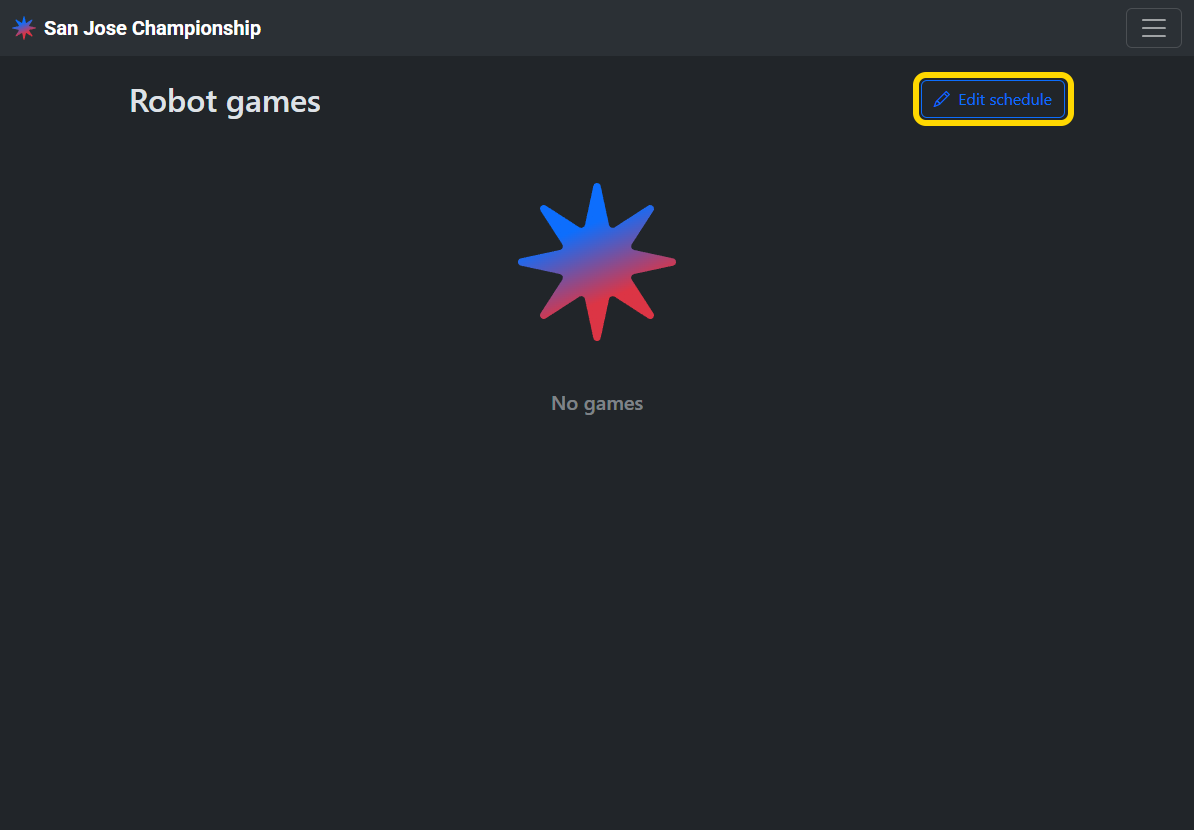
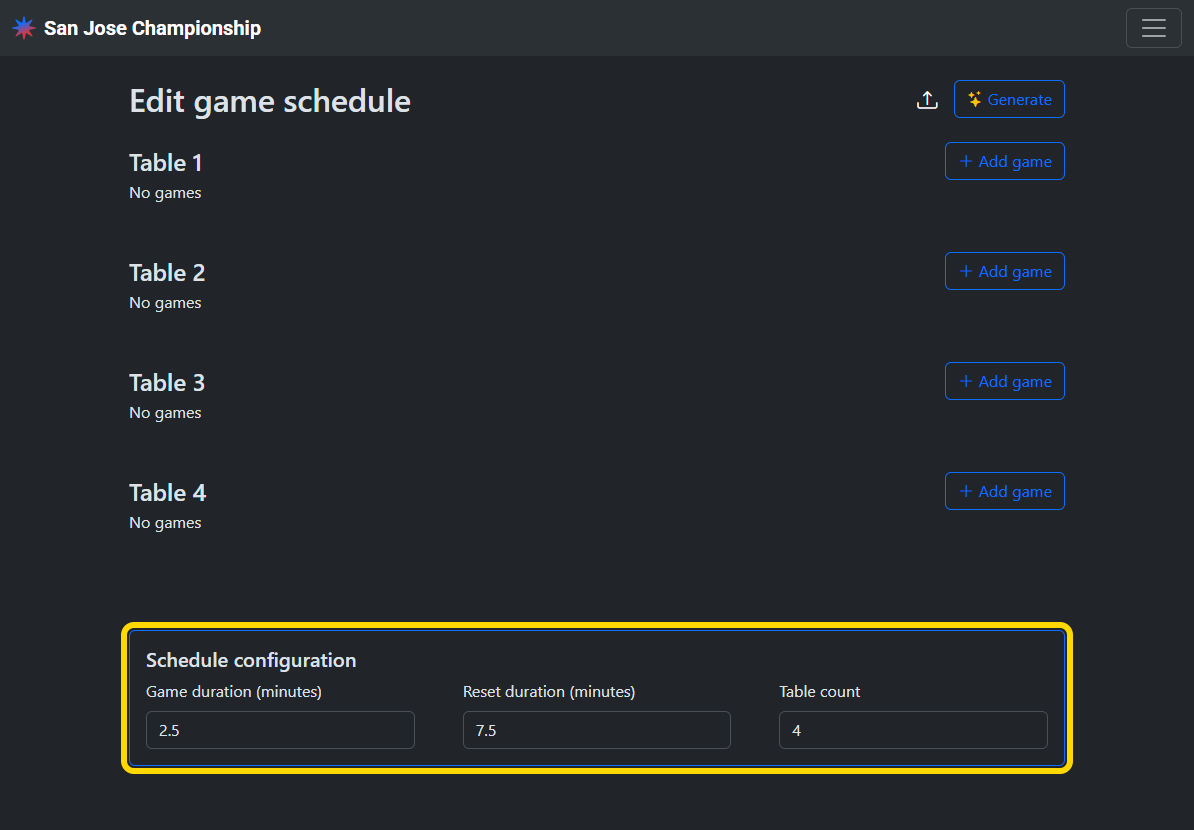
Set schedule configuration
Set the game duration, reset duration, and table count for your event.
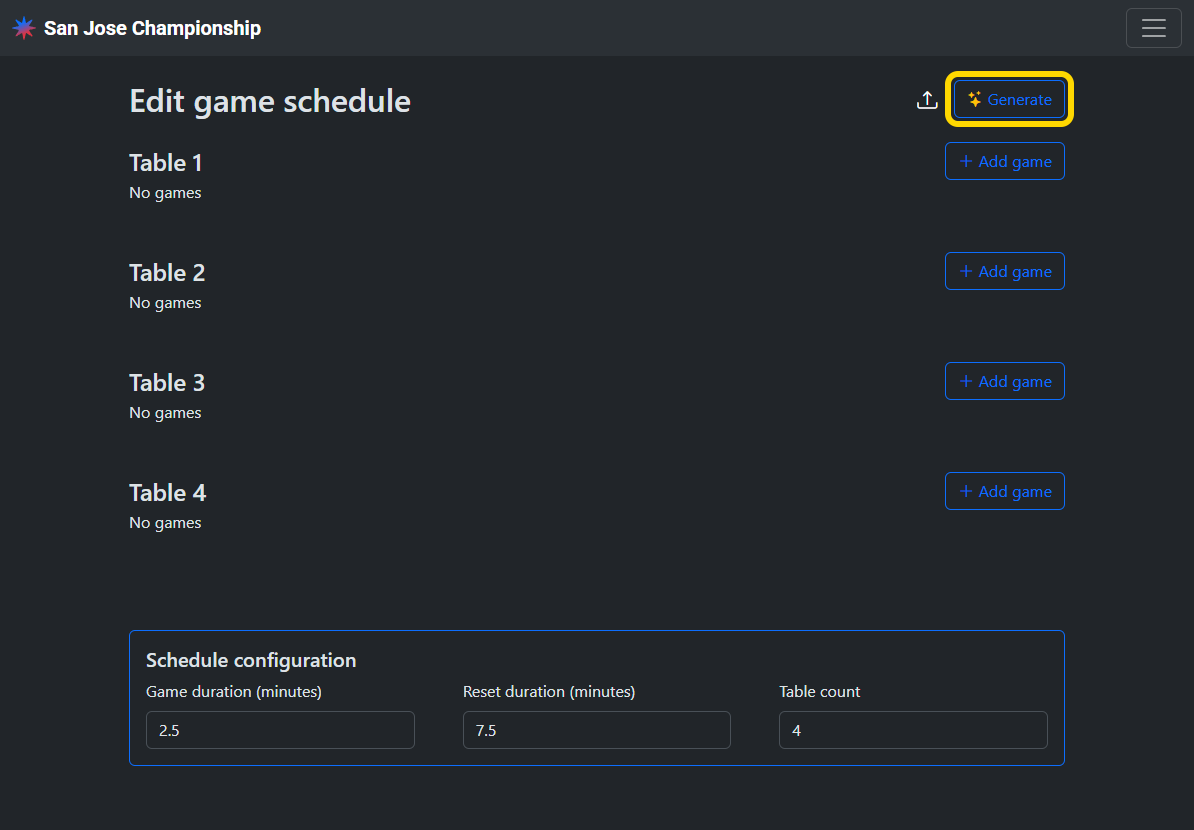
Generate a schedule
Tap the generate button and input the parameters for the schedule including start time, lunch break time, number of rounds per team, whether there should be a practice round and minimum time between activities. A schedule will be generated based on the configuration. If a judging schedule exists, then teams will not be scheduled matches that conflict with their judging session.
Generate a judging schedule first to automatically schedule matches around each team’s judging session.
Any existing game schedule must be deleted before generating a new schedule.
Upload a schedule
Alternatively, you can upload a schedule in CSV format. A template CSV can be downloaded from the menu.

Any existing game schedule must be deleted before uploading a new schedule.
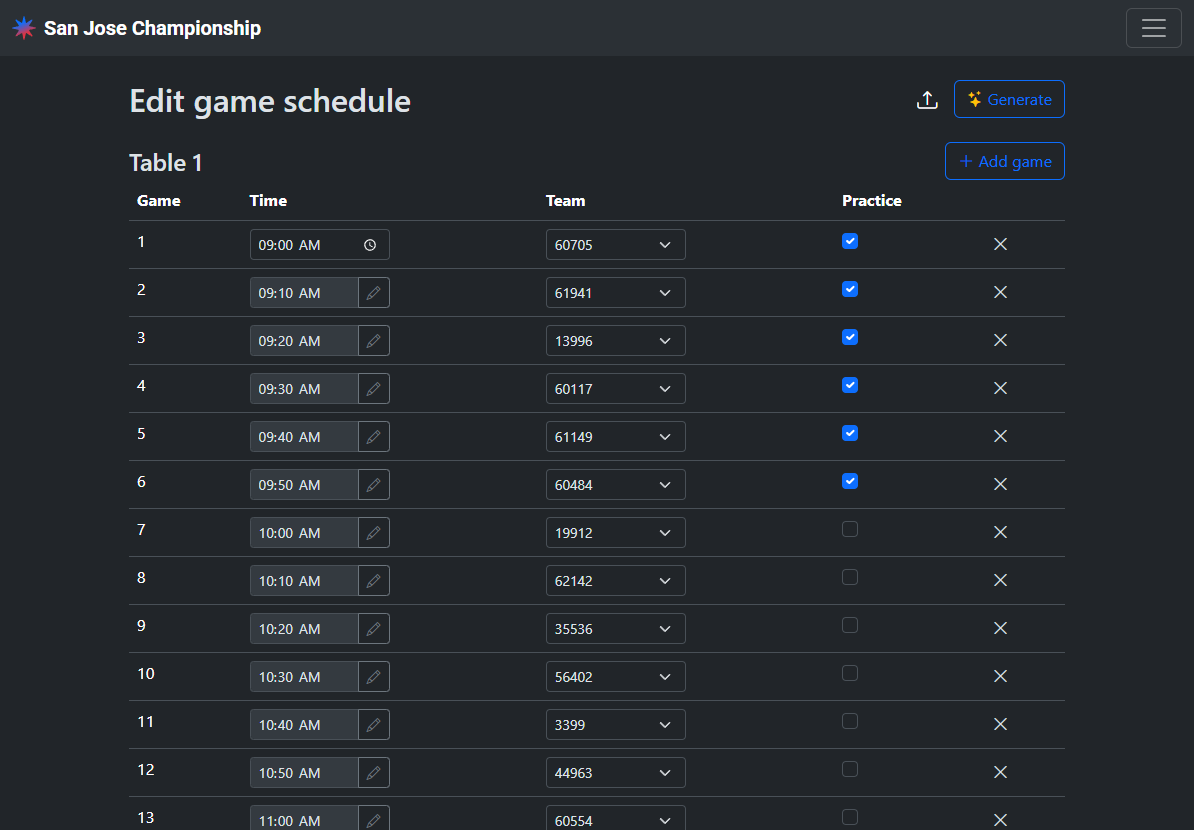
Update the schedule
You can manually swap teams between sessions, edit the session times, and add or delete sessions.
Publish the schedule
The schedule is automatically published and viewable publicly by teams.
