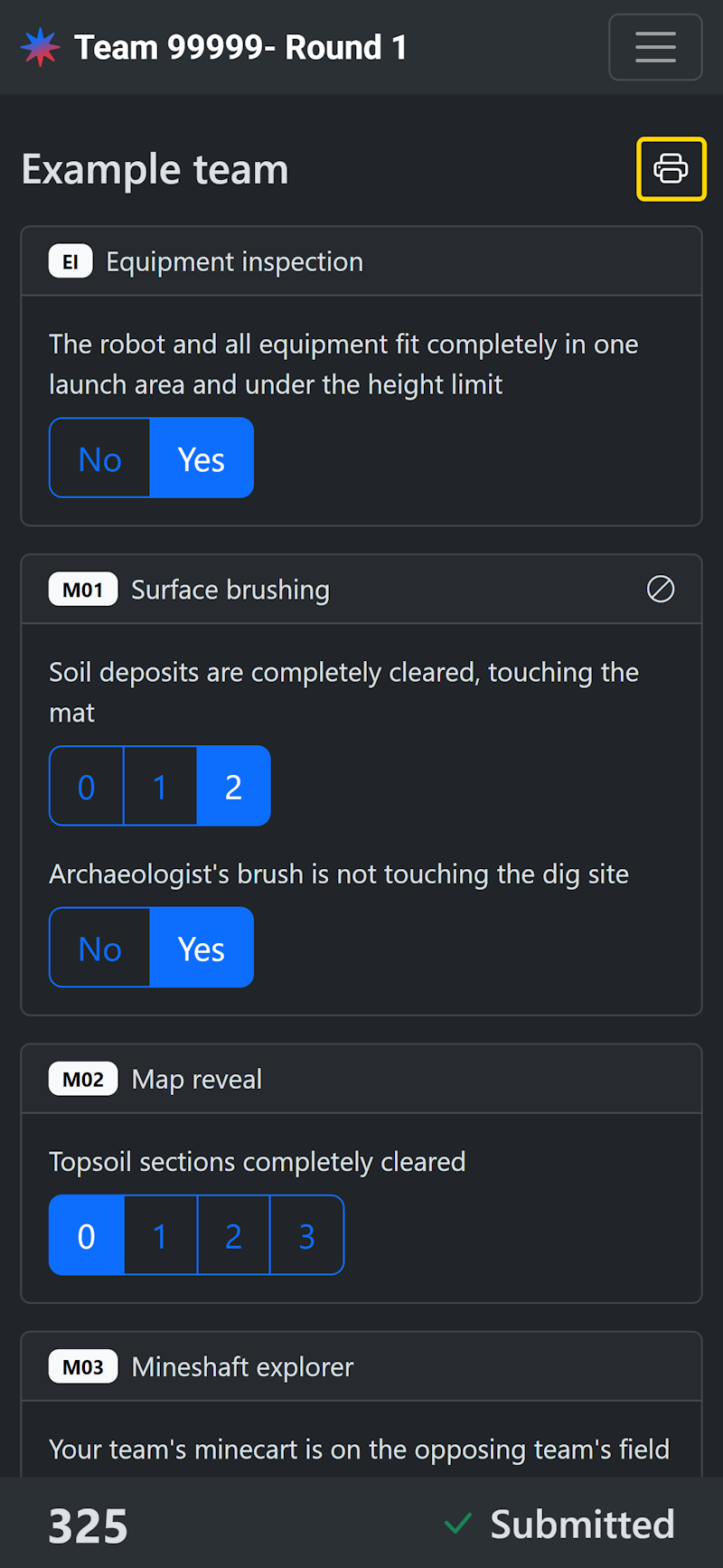
Referees can fill out and submit scoresheets in Nexus in order to make results instantly available in the publicly-viewable leaderboard.
Access
Volunteers with the Referee role can fill out and submit scoresheets.
Volunteers with the Head referee role can edit submitted scoresheets.
Select the game
From the robot game list, select the row of the match that you want to score. By default, this list is filtered to your assigned table.

Fill out the scoresheet
Select an option for each item in the scoresheet. All fields except Gracious Professionalism are required to submit, but partial scoresheets are saved automatically.
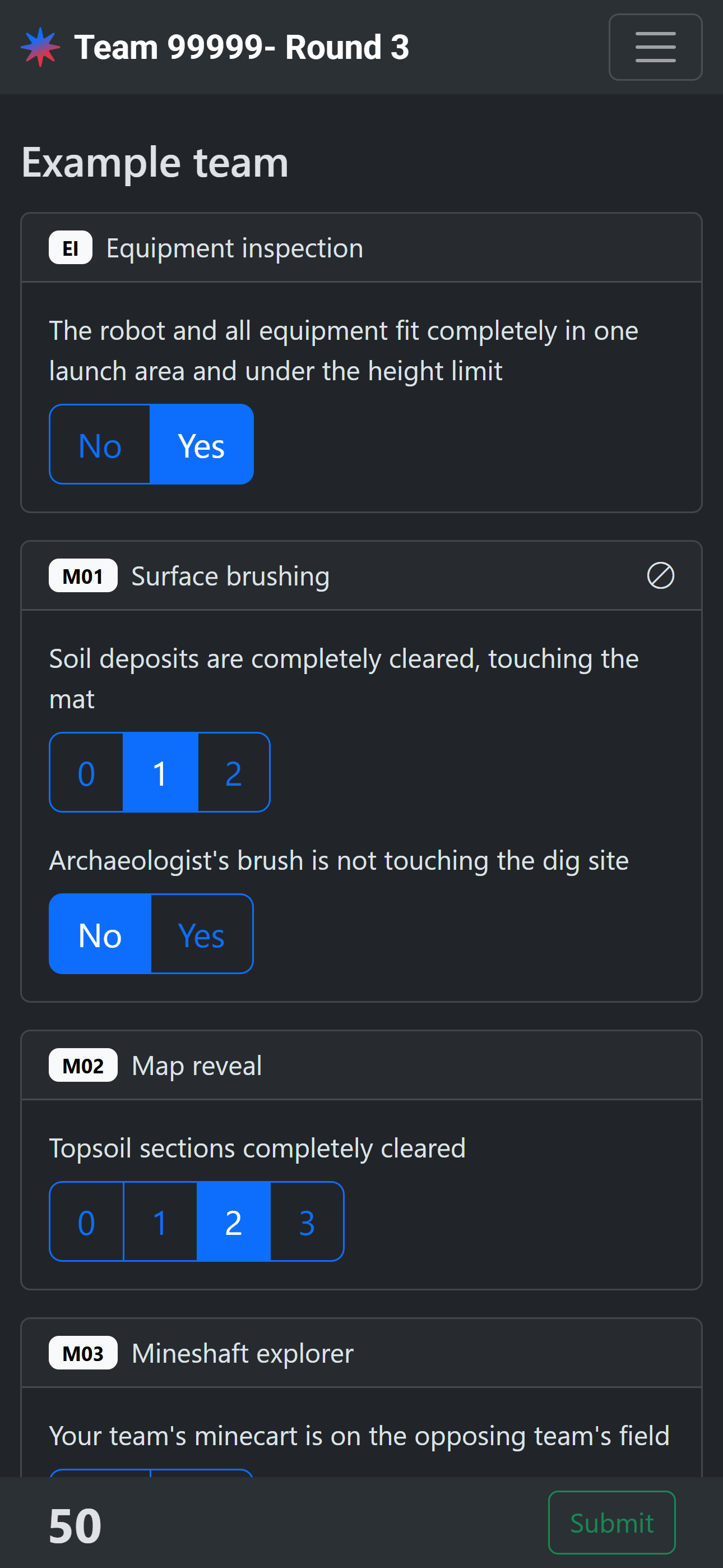
Submit the scoresheet
Once all items have a selection, tap Submit to collect the team initials.
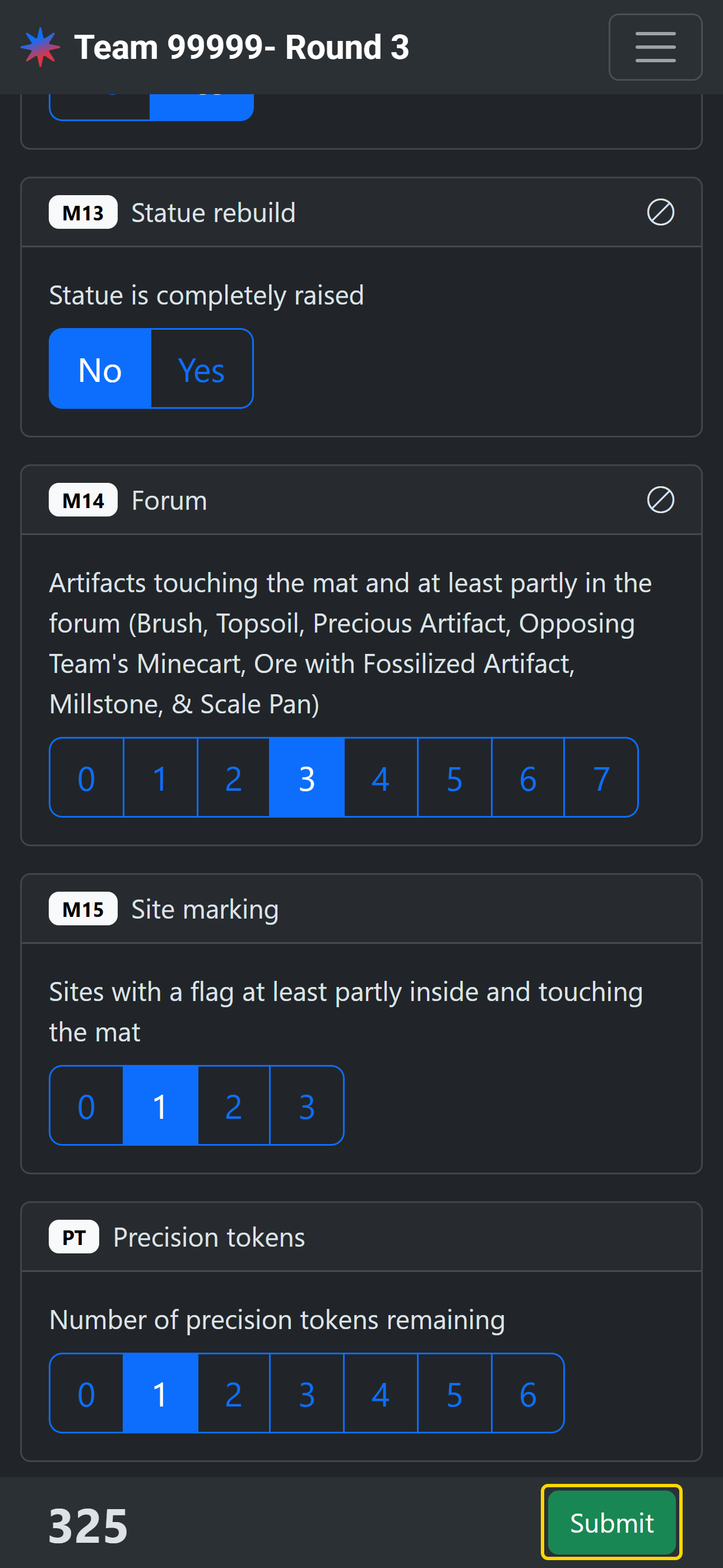
Enter the team initials and confirm the final score.
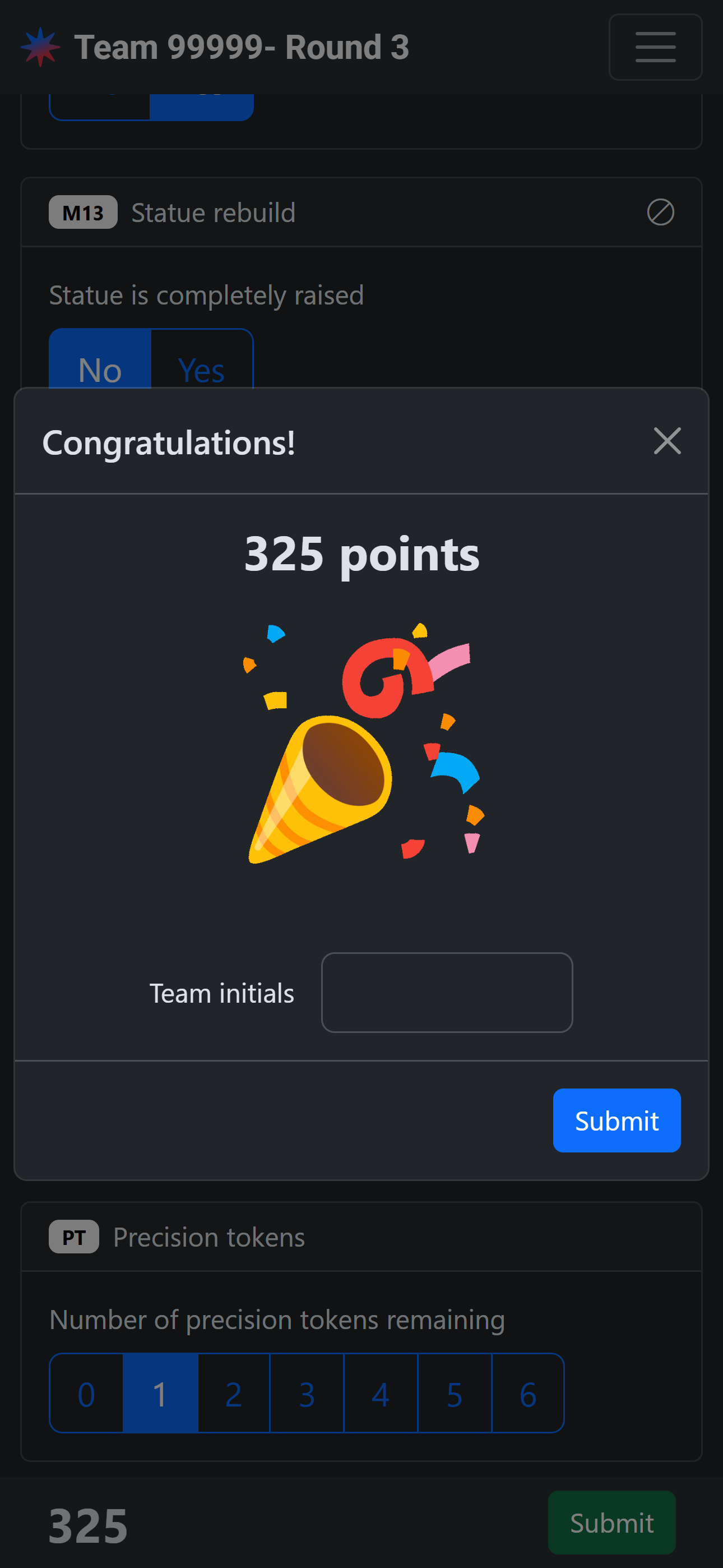
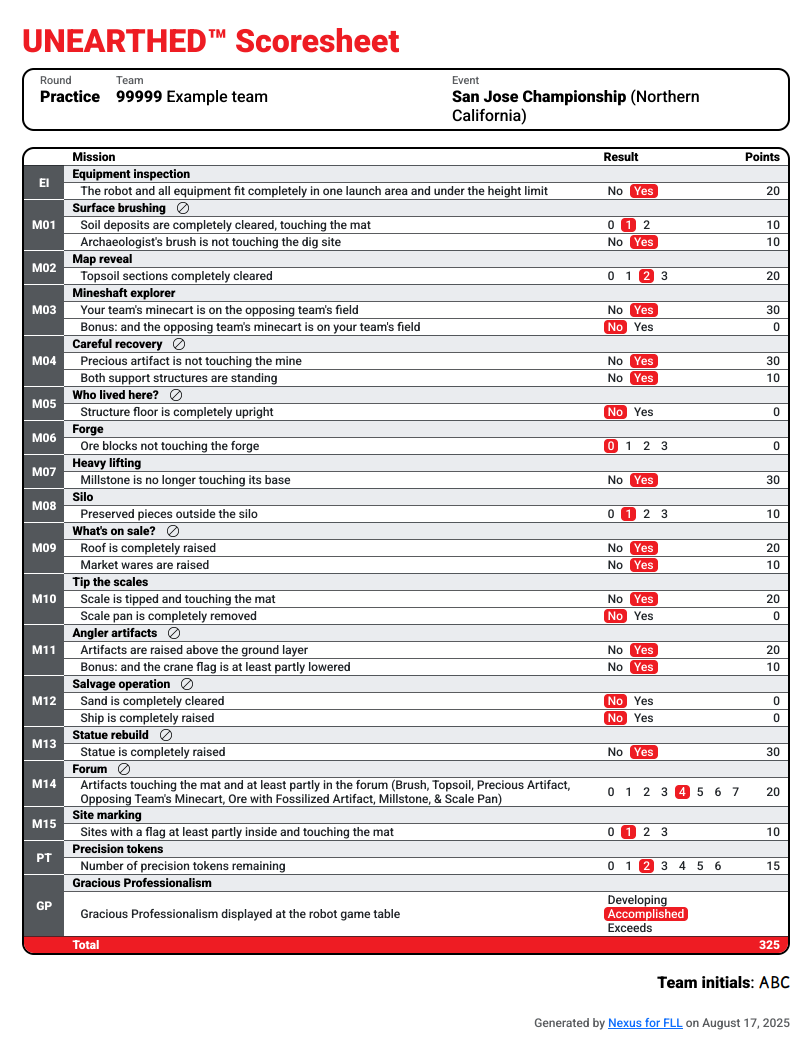
Once submitted, scores are instantly visible on the public leaderboard and the full scoresheet (excluding Gracious Professionalism) is available publicly.
The Gracious Professionalism rating can be updated after submission.
Edit a submitted scoresheet
Head referees can edit submitted scoresheets. The submitted value for each item will be shown in yellow if it has a pending edit. The score differential from the submitted scoresheet will be displayed next to the new score.
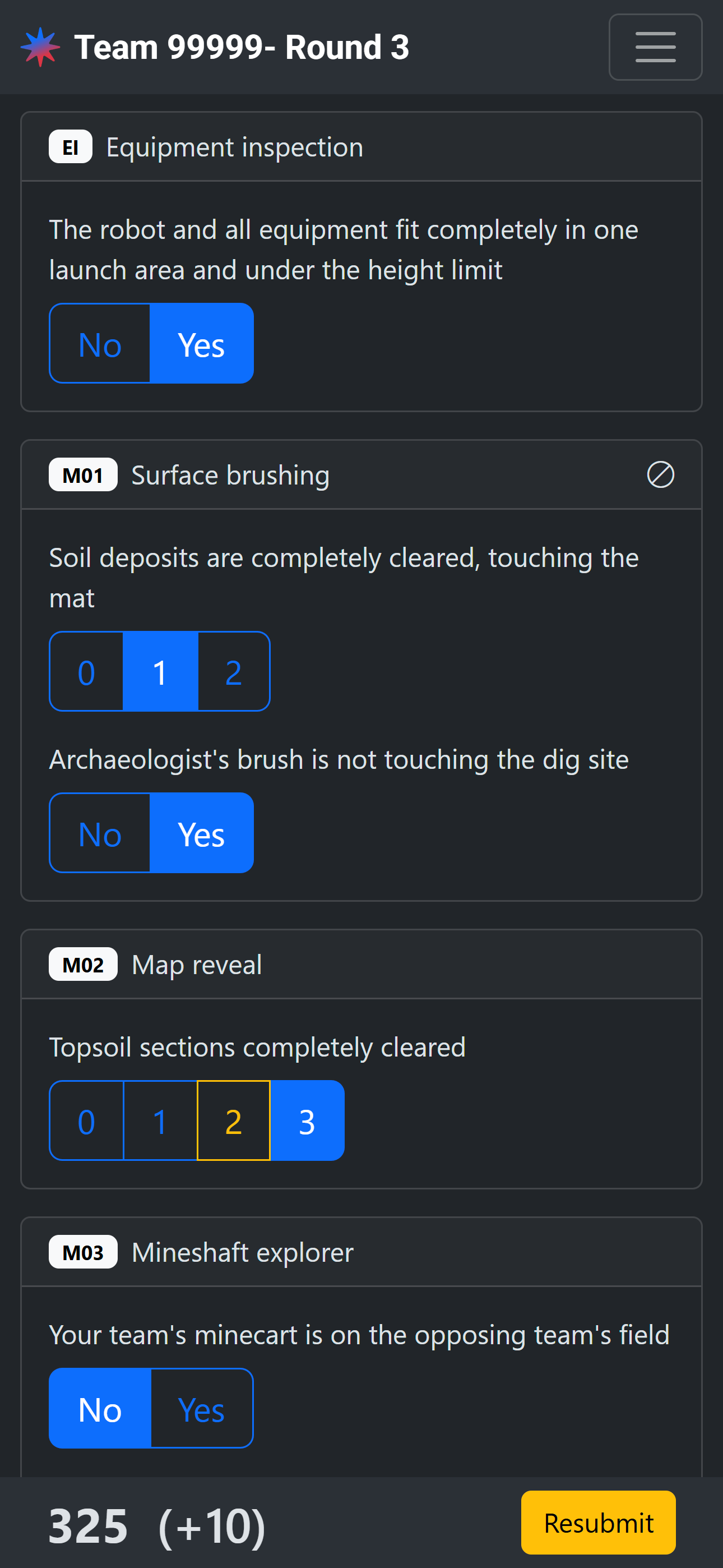
Upon resubmission, the new score will be immediately reflected in the public leaderboard.
Print scoresheets
Click the print icon button in the top right to generate a printable PDF of all of the team’s submitted scoresheets.