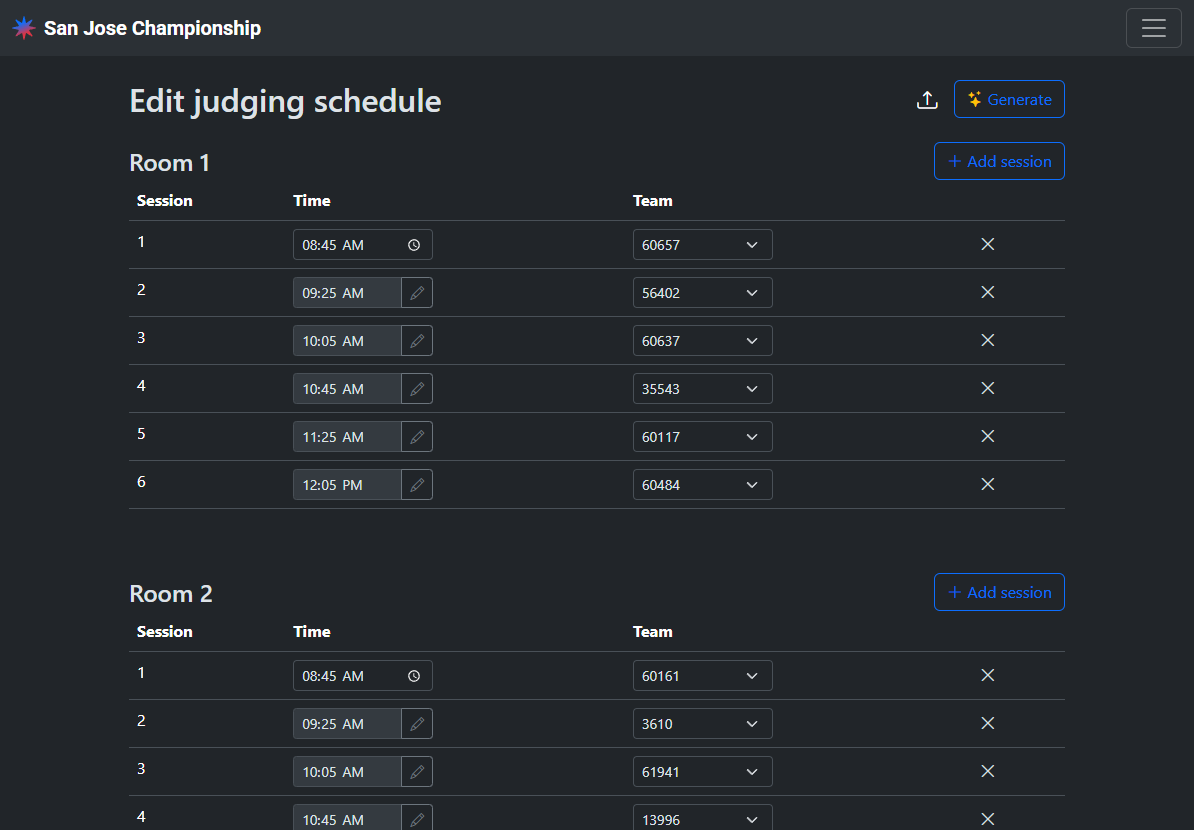
The judging schedule allocates a time and room for each team’s judging session.
Access
Volunteers with the Judge advisor role can update the judging schedule.

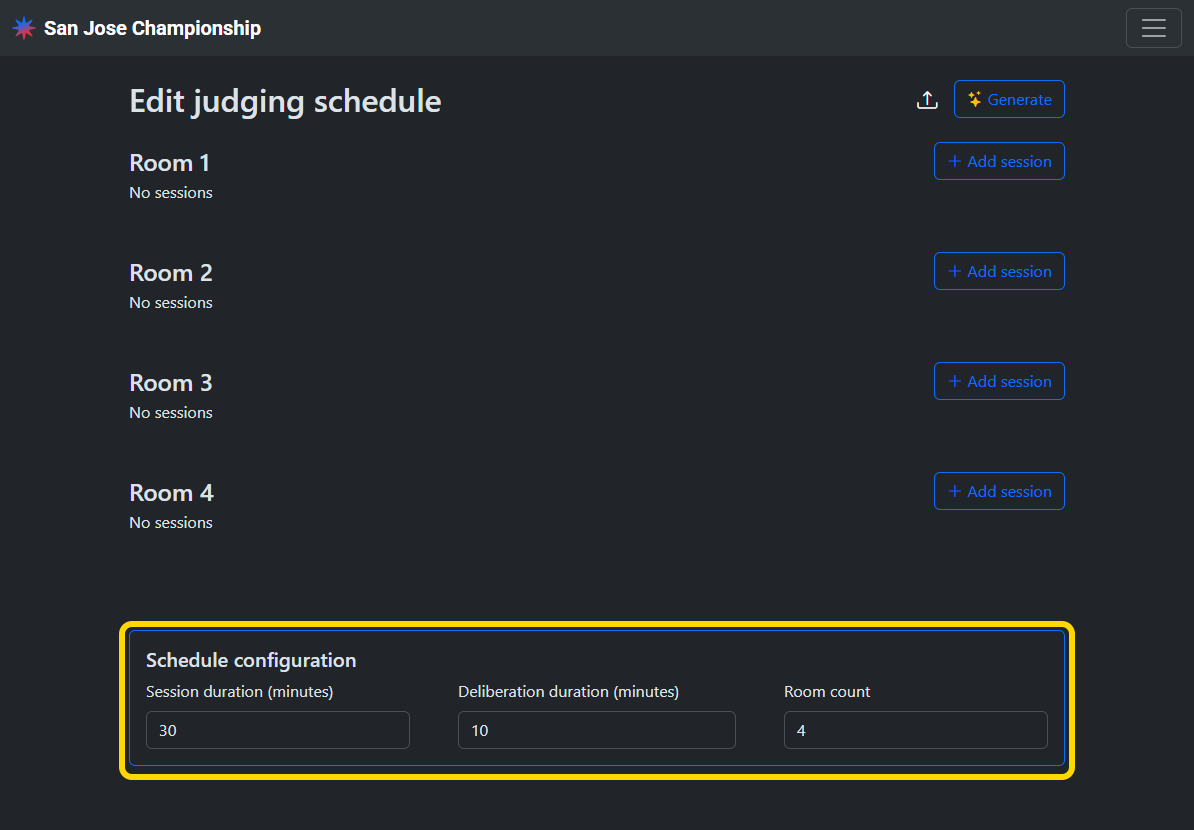
Set schedule configuration
Set the session duration, duration between sessions, and judging room count for your event.
Generate a schedule
Tap the generate button and input the start time for the first judging session. A schedule will be generated based on the configuration. One session will be scheduled for each team.
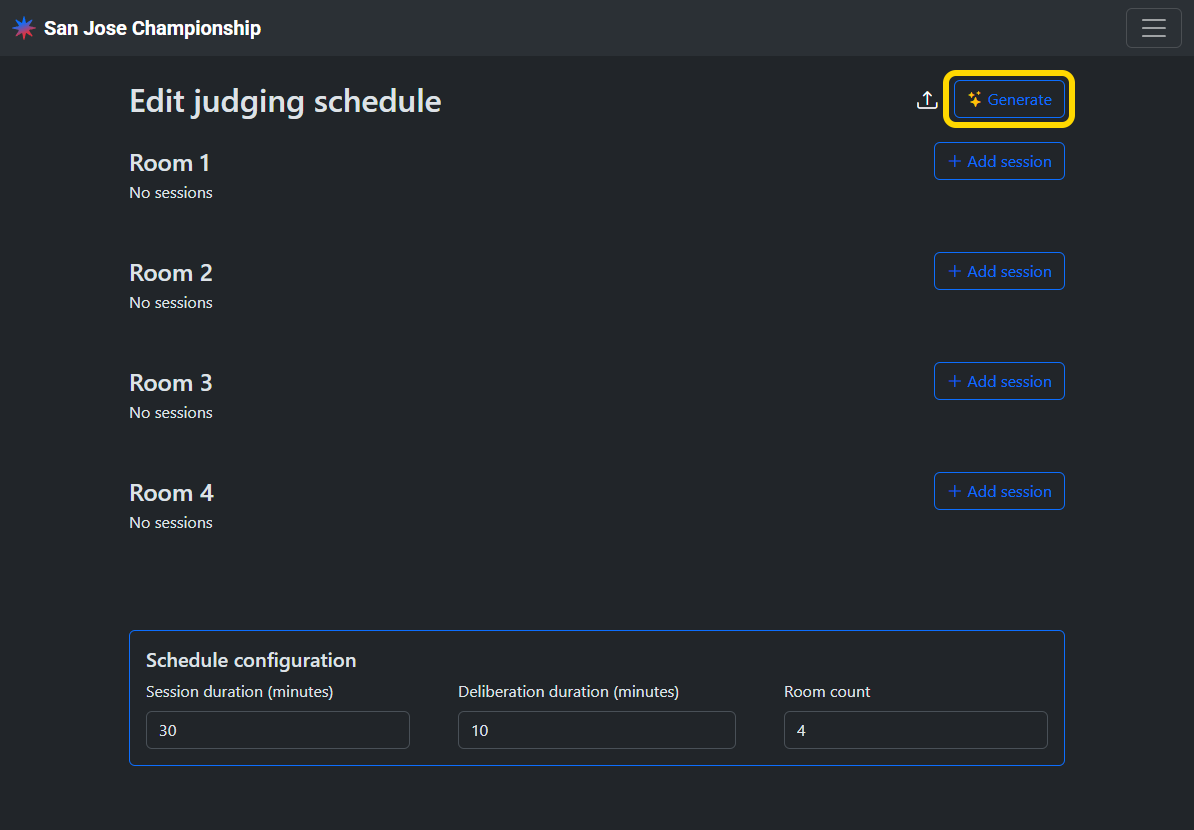
Any existing judging schedule must be deleted before generating a new schedule.
Upload a schedule
Alternatively, you can upload a schedule in CSV format. A template CSV can be downloaded from the menu.
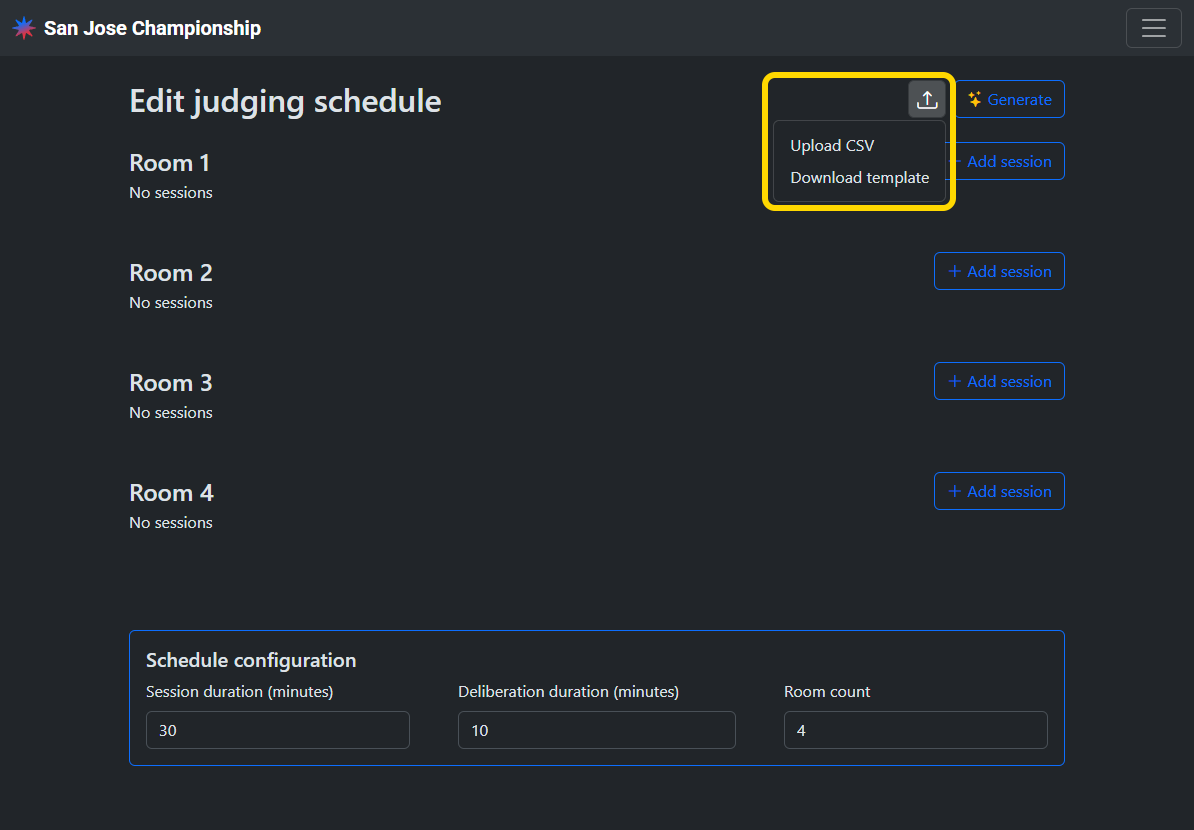
Any existing judging schedule must be deleted before uploading a new schedule.
Update the schedule
You can manually swap teams between sessions, edit the session times, and add or delete sessions.